WordPress Corporate Websites: Content Management, Performance and Long-term Maintenance
From the perspective of content model, page development, backend management, performance, security and delivery, understand how WordPress can be used for long-term corporate websites.
What problems should this ability solve?
From the perspective of content model, page development, backend management, performance, security and delivery, understand how WordPress can be used for long-term corporate websites.
1. Which websites is WordPress suitable for
corporate websites, independent international business websites, content platforms, member websites, and small and medium-sized online stores can all use WordPress.Whether it is suitable mainly depends on the content update method, functional complexity, team maintenance ability and subsequent expansion plan.
- Need to update articles, cases or products for a long time
- Want the website and account to be managed by yourself
- Need mature plug-ins to connect forms, SEO, members or online stores
- Budget and cycle need to be kept controllable
2. Design the content model first, and then design the page
The page is just the way the content is presented.Company introductions, services, cases, articles, products, and frequently asked questions should be divided into manageable data types to avoid all content being piled up in one page editor.
- Fixed page responsible for brand and service description
- Article responsible for long-term content and search entry
- Cases and products use independent field management
- Categories and tags to help users continue browsing
3. How to match the theme and modular pages
Mature projects will not rely on dozens of unrelated page styles.The font, color, button, form, spacing, and picture ratio should be determined first, and then combined into reusable modules.In this way, when the page is added in the future, the visual and maintenance costs are more stable.
4. Performance optimization should start with pictures and caches
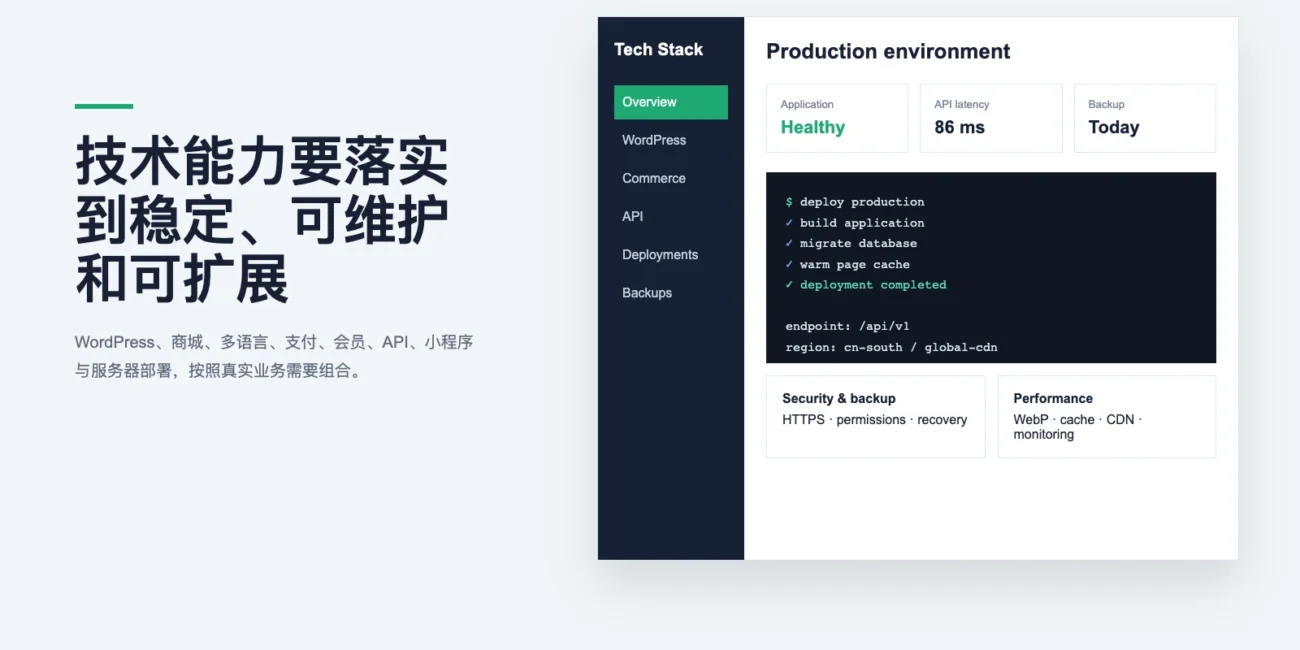
Common performance problems come from oversized pictures, repeatedly loaded scripts, no caches, and servers with unstable quality.WebP, lazy loading, page caching, database collation, and CDN should be combined according to the access region.
- Control image size and format before uploading
- Reduce unused plug-ins and scripts
- Configure page cache for public pages
- Regularly check the real access speed
5. Security, backup, and permissions are part of the delivery
The background needs to restrict unnecessary administrator permissions, enable HTTPS, login protection, and update policies.The backup must contain files and databases, and confirm that it can be restored, rather than just seeing the “Backup was successful” prompt.
6. What should customers get after the website is delivered
The domain name, server, WordPress administrator, third-party service account and source files should be clearly attributed.When delivering, it should also explain the content update method, backup location, plug-in authorization, and daily maintenance boundaries.
7. What situations are not recommended to use WordPress directly?
Businesses that require high concurrency, real-time collaboration, complex algorithm calculations, strong offline capabilities, or deep device invocation are usually more suitable for independent application architectures.Website display and content management can still be used in conjunction with independent applications.
Recommended Implementation Plan
A project does not need every feature on day one. It can be delivered step by step in the following order.