
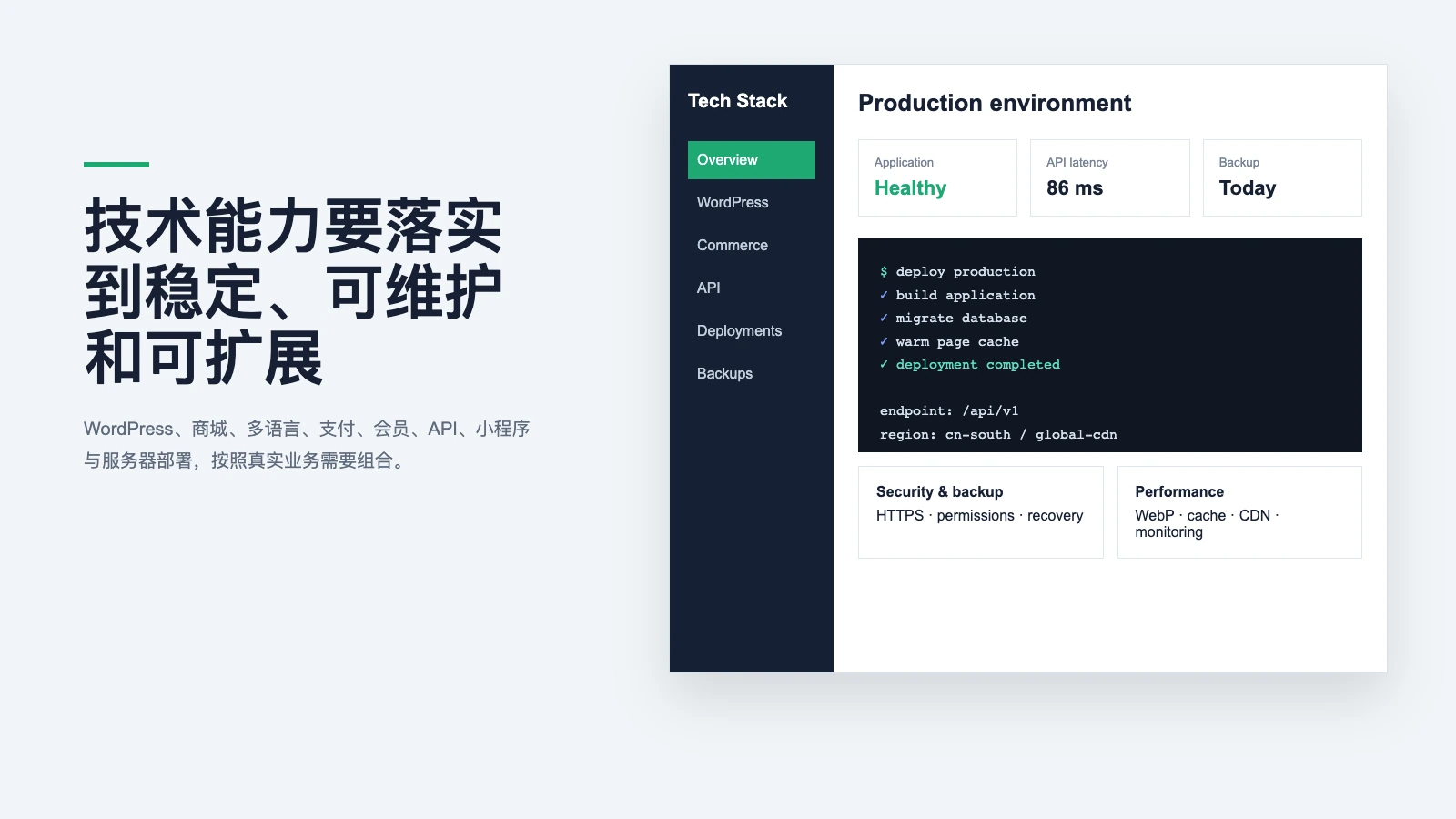
Technical Capabilities Built for Stability, Maintainability and Growth
WordPress, WooCommerce, multilingual, payment, membership, API, mini program and server deployment, combined according to real business goals, do not pile up useless functions.
Core Technical Capabilities and In-depth Articles
Each capability is individually described in the applicable scenario, Implementation priorities, risks and delivery methods, customers can understand first, and then decide whether the project is needed.
WordPress Business Websites
From the perspective of content model, page development, backend management, performance, security and delivery, understand how WordPress can be used for long-term corporate websites.
Read Article →WooCommerce Store Development
The system understands the complete link of WooCommerce from goods, shopping carts, payment, logistics to orders and member operations.
Read Article →Multilingual Websites and Internationalization
Introduce multilingual page structure, translation process, localized SEO, regional content and long-term maintenance methods.
Read Article →Online Payments and Transaction Security
Explain the key matters of payment channel selection, order status, callback, refund, key management and online testing.
Read Article →Membership, Permissions and Private Content
Design member business from the perspective of registration and login, role permissions, member rights and interests, private content and data security.
Read Article →API and Business System Integration
Introduces the API, Webhook, data synchronization, authentication, retries and logs, allowing the website to connect to CRM, ERP, logistics and business systems.
Read Article →Mini Programs, Lightweight Apps and Mobile Services
Compare the applicable scenarios of Apps, mini programs, H5 light applications and Web applications, and explain login, payment, messaging, and background design.
Read Article →Server Deployment, Private Storage and Backups
Select from the server, HTTPS, deployment, object storage, private files, backup and recovery, and monitor the infrastructure after the launch.
Read Article →Website Foundations and Launch Guides
From domain name, DNS, server to WordPress installation and official launch, the basic links that are easy to confuse Divided into 4 practical guides that can be read independently.
WordPress Installation and Launch
From domain name, server, database to HTTPS and background initialization, master the correct deployment sequence.
Read Article →Domain Registration and Renewal
Understand domain name naming, suffixes, registrars, real names, transfers, fees, and expiration management.
Read Article →DNS and HTTPS
Correctly connect websites, corporate mailboxes, and CDNs to reduce resolution modification and migration interruptions.
Read Article →WordPress for Beginners
Disassemble planning, environment, pages, content, testing, and online into 18 checkable steps.
Read Article →From User Experience to Server Infrastructure
Websites, applications, payments, and data are not independent modules, and need to be designed around the same set of users, permissions, and business status.
User entrance
Computer website, mobile Web page, mini program or App, choose according to the usage scenario.
Business and authority
Unified planning of content, products, members, orders, appointments, and private information.
Interface and data
Connect payment, logistics, CRM, ERP, messaging and other third-party services.
Deployment and maintenance
Server, cache, backup, security, monitoring, and subsequent version upgrades.
Technology Should Produce Reliable Results, Not Just Impressive Terminology
The project quote will explain the page, function, interface, third-party fees, server and maintenance boundaries.When it comes to payment applications, platform authentication, or external services, the information that customers need to prepare will also be stated in advance.
Not Sure Which Technical Capabilities Your Project Needs?
Explain how users use it, what to manage in the background, and which services need to be connected. We will first help determine the appropriate implementation method.